
Ihub Media Server APK
Nazmul Ahsan
Screenshots
App details
- Version
- 1.2.9
- Size
- 33.50 MB
- Updated
- September 20, 2023
- Requires
- Android 10.0
- Language
- English
- License
- Free
- Developer
- Nazmul Ahsan
- Category
- Android OS
SoftPas in:
This product is also available in the following languages:
About Ihub Media Server APK
Download Ihub Media Server APK – Movie-Finding Guide, Cinephile Tool, Free Multimedia App
Overview
Ihub Media Server is a free multimedia application designed for movie enthusiasts seeking a streamlined way to discover and explore cinematic content. The software functions as a movie-finding guide, simplifying the process of locating films by title, accessing detailed information, and previewing trailers. It is tailored for cinephiles and casual viewers alike who want a centralized, user-friendly platform to enhance their movie-watching experience. The app integrates with the IMDb API to retrieve up-to-date data on films, ensuring access to a broad and current library of cinematic titles. This integration allows users to browse through a wide range of movies, including both classic and recent releases, without leaving the application. The developer did not provide additional details about the company or background. Real-world usage scenarios include planning movie nights, building personal watchlists, and researching films before viewing. The app’s lightweight design contributes to efficient performance, making it suitable for devices with limited storage or processing power. Despite its compact size, it delivers core features such as search, synopsis display, and trailer previews, which support informed viewing decisions. The software’s focus on accessibility, with subtitle and dual-language support, further expands its appeal across diverse audiences.
Key Features & Capabilities
- Advanced Movie Search: Users can quickly locate films by typing titles into the search menu, enabling efficient navigation through a large catalog of movies and TV shows.
- Trailer Previews: The app provides instant access to movie trailers, allowing users to preview content before deciding to watch.
- IMDb API Integration: Data on films, including cast, release year, genre, and ratings, is pulled directly from the IMDb database, ensuring accuracy and real-time updates.
- Subtitle and Dual-Language Support: Offers subtitles and multiple language options for trailers, enhancing accessibility for international users.
- High-Quality Video and Audio: Delivers HD video quality and clear sound to improve the viewing experience.
- Favorites List: Users can save preferred movies and TV shows to a personalized watchlist for future reference.
- Lightweight Design: The app is optimized for minimal resource consumption, reducing strain on device RAM and storage.
Usage Examples
For instance, a user can search for “Inception” and instantly see the synopsis, cast details, and a trailer. They can then add the film to their favorites list for later viewing. Another user might explore new releases in the sci-fi genre using the search function, while accessing dual-language trailers for better comprehension. The integration with IMDb ensures that all displayed data is current and reliable, supporting informed decisions. The small file size makes it ideal for mobile devices with limited capacity, ensuring smooth operation even on older hardware.
User Interface, Workflow & Performance
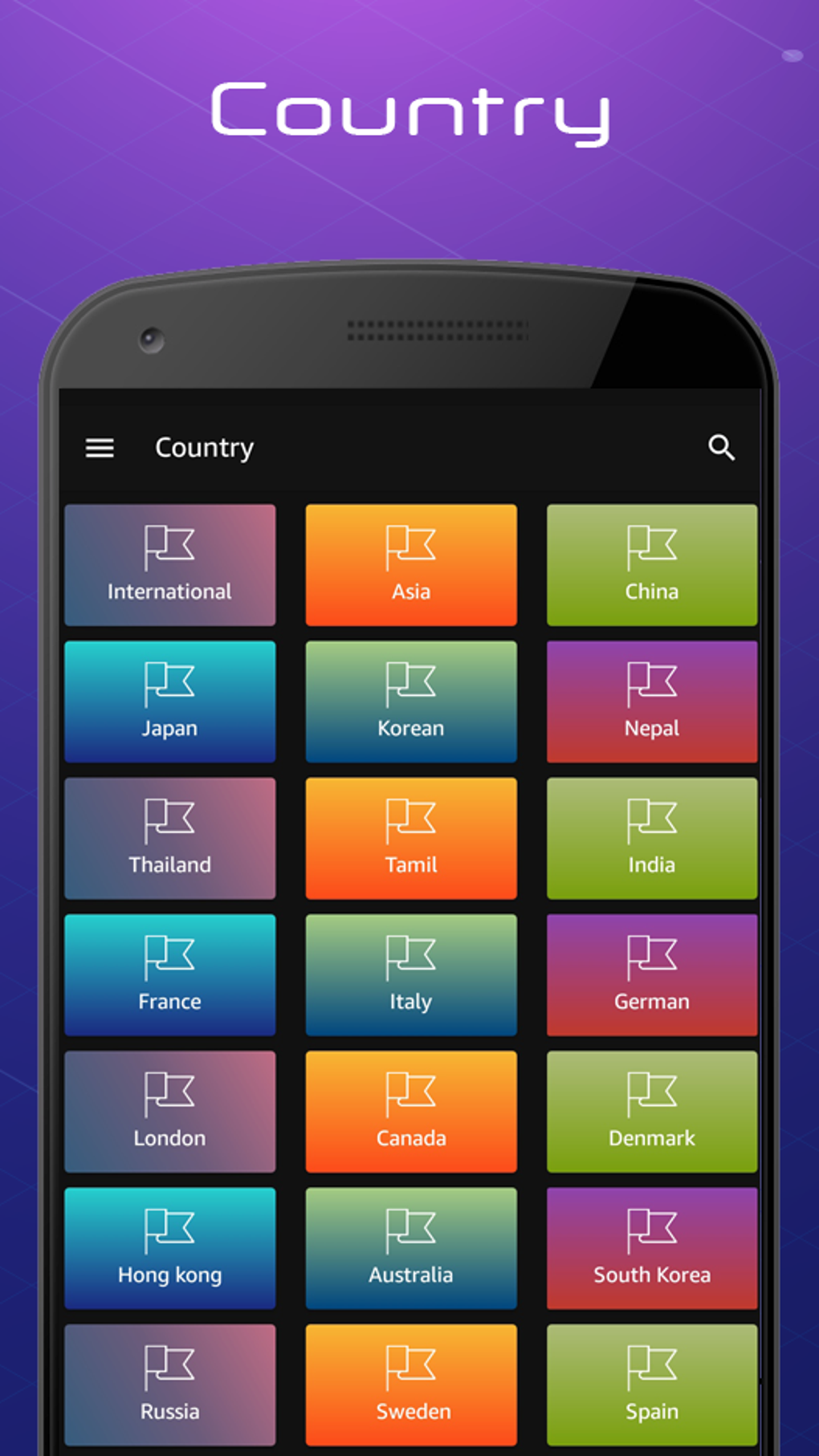
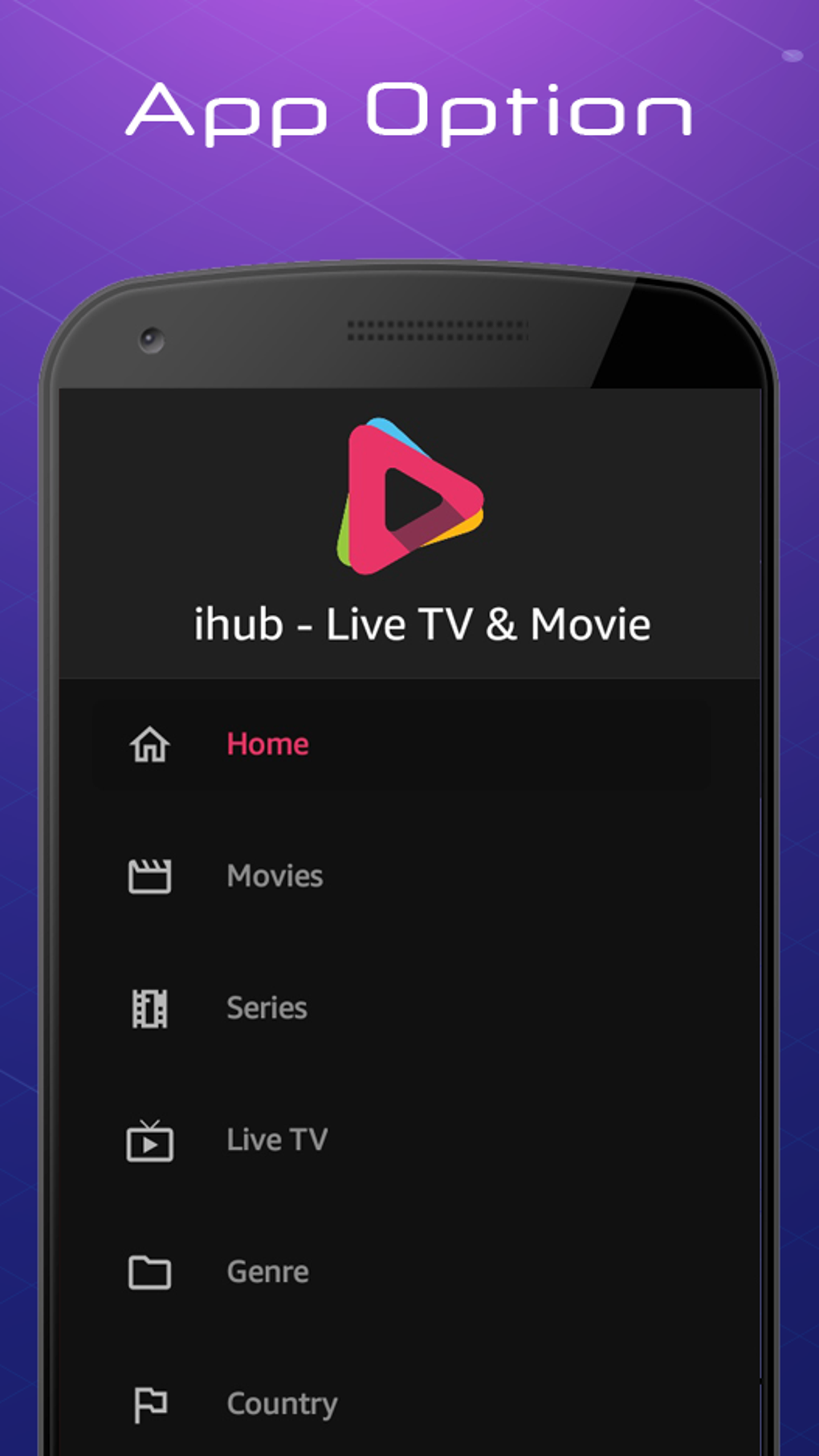
The user interface of Ihub Media Server is structured around simplicity and direct access to core functions. Navigation is intuitive, with a central search bar and categorized content display. Users can move seamlessly from searching a film to viewing its details and watching a trailer. The workflow emphasizes efficiency, minimizing steps between input and result. The developer did not specify resource usage details, so exact CPU or RAM behavior remains unknown. Performance observations are based on general software behavior patterns. Some users have reported occasional loading errors when opening the app, which may affect initial usability. These issues can typically be resolved by relaunching the application or verifying the internet connection. Stability appears to depend on network conditions and device performance. The app’s lightweight nature suggests it is designed to operate smoothly on a variety of devices, though real-world performance may vary. No information was provided about crash frequency or background processes.
Compatibility & System Requirements
Ihub Media Server is available as an APK file, indicating it is designed for Android-based devices. The specific operating system version is not listed. Installation size is described as small, though the exact value was not provided. The developer did not specify hardware requirements such as processor speed, RAM, or storage capacity. Compatibility information was partially provided. Users should ensure their device supports APK installations, which typically requires enabling “Unknown Sources” in settings. No information was given about support for tablets, wearables, or other platforms. The software’s compatibility with different Android versions remains unclear. The absence of detailed system requirements means users should proceed with caution on older or less common devices.
Pros and Cons
Pros
- Free to download and use
- Intuitive interface designed for easy navigation
- Direct integration with IMDb for accurate, real-time data
- Supports subtitles and dual-language options for broader accessibility
- Delivers HD video quality with clear audio
- Small file size reduces device strain
- Allows users to create a personalized favorites list
Cons
- Occasional loading errors reported during app launch
- Exact system requirements not specified
- APK-only distribution limits availability to Android users
- No official support for iOS or other platforms
- Performance may vary based on internet connection and device capabilities
FAQ Section
Is Ihub Media Server available for iOS devices?
The software is distributed as an APK file, which is specific to Android. There is no official version for iOS or other operating systems.
Is the app safe to download and install?
As an APK, the app is not distributed through official app stores. Users should ensure the source is trustworthy and verify the file’s integrity before installation. Installing APKs from unknown sources may pose security risks.
Does Ihub Media Server require an internet connection?
Yes, the app relies on the IMDb API to fetch movie data, trailers, and metadata. A stable internet connection is required for full functionality.
How often does the app update its movie database?
The app uses the IMDb API, which is updated regularly. The frequency of data refreshes depends on the API’s update cycle and the app’s implementation, but no specific update schedule was provided.
Can I use Ihub Media Server offline?
Due to its reliance on online data retrieval, the app cannot function fully offline. While cached content may be available temporarily, core features such as searching and streaming trailers require an active internet connection.
Final Thoughts + CTA
Ihub Media Server presents a compelling option for movie lovers seeking a free, lightweight tool to explore cinematic content. Its integration with IMDb ensures access to a rich and current library, while features like search, trailer previews, and favorites lists enhance the discovery process. The app’s small size and focus on usability make it suitable for users with limited device resources. However, occasional loading errors may disrupt the initial experience, though they are typically resolvable. The lack of detailed system requirements and platform limitations restrict broader accessibility. Despite these constraints, the app delivers a focused, efficient experience for cinephiles on Android. For those passionate about films and looking for a no-cost, easy-to-use movie guide, Ihub Media Server is a solid choice. Download Ihub Media Server now and start your journey into the world of cinema.
Guides & Tutorials
How to install Ihub Media Server APK
- Click the Download button above.
- Once redirected, accept the terms and click Install.
- Wait for the Ihub Media Server APK download to finish on your device.
How to use Ihub Media Server APK
This software is primarily used for its core features described above. Open the app after installation to explore its capabilities.
User Reviews
No reviews yet. Be the first to share your experience.
You may also like
more
ChatGPT APK
Effortlessly generate content with AI ChatGPT is a free artificial intelligence...

Digi
Realistic AI entertainment app Digi - AI Romance, Reimagined is a free AI chatbo...

Gemini
Google’s newest and most powerful AI Gemini is a sophisticated AI model from Goo...

kimi chat APK
Your go-to AI assistant for seamless information processing kimi chat is an AI -...

MateAI AI Chat Bot Assistant APK
An AI-powered chatbot fit for any task MateAI-AI Chat Bot Assistant is a free-to...

Microsoft Copilot APK
Revolutionize your workflow Unleash a new era of productivity with Microsoft Cop...